
Jim Biancolo

Libby's "Deep Search > Notify me" feature to let your library know you're interested

Recommended by Jim Biancolo

Sarah B
Visit

This is a top-notch Libby tip and also, if you tag books you want to read and have been frustrated when the book you want to tag doesn’t seem like it’s in Libby, this is the trick to find it.

History

Sarah B4d ago

If the book you'd like to read isn't in Libby when you search, click "deep search" and the book will show up. Click "notify me" and this 1. Sends a message to your library you would like this book to be added to their Libby collection and 2. If/when your library buys it, you get a notification its available! Obvi doesn't mean your library will buy it, but many I've requested come through. Additional pro tip - do this with books that aren't released yet, then you're first in line for hot new bo...

3 days ago

Comments

Loading comments...
More like this

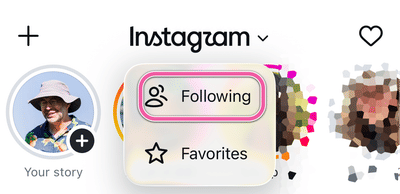
Instagram’s “Following” Feed

Instagram’s “Following” Feed

Date Stamps

Date Stamps

Parchment Paper Baking Sheets

Parchment Paper Baking Sheets

Mela Recipe Manager

Mela Recipe Manager

Follow Jim Biancolo

By submitting, you agree to our Terms and Privacy Policy

R
L
Share your recommendations on Rec League

© 2026PrivacyTerms